GenelTEMA3

Design1.499 TL
Psychologist Consultant Website
Website designed specifically for psychologists, counselors and therapists.
Browse themes for corporate, SaaS, service and commerce use. Your selected theme moves into setup with domain, services, demo payment and membership details.
Browse ThemesOpen a preview from the theme card or go straight to the installation wizard.
Website designed specifically for psychologists, counselors and therapists.
Modern design for beauty salon, hairdresser and aesthetic centers.
Ready website template for corporate company and service promotion.
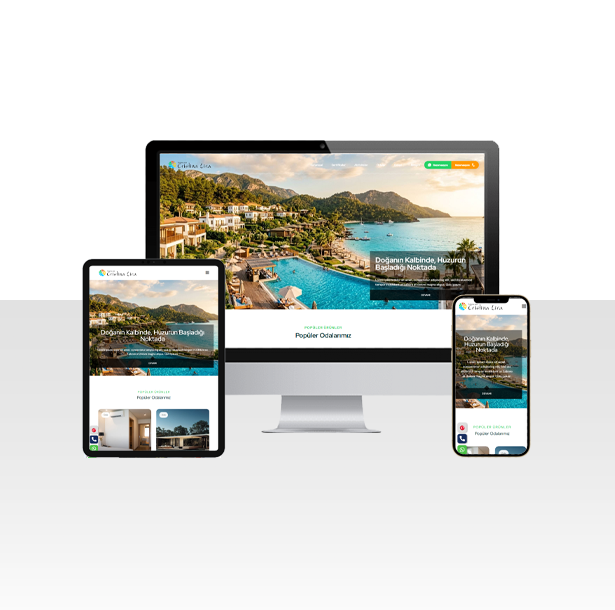
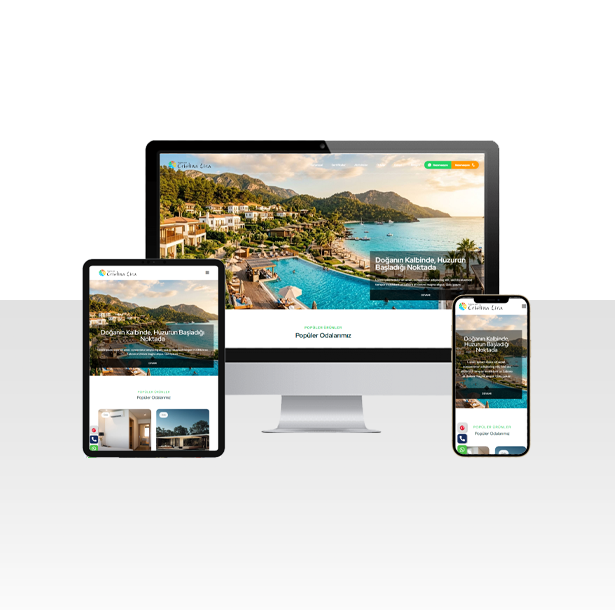
Reservation and promotion site for hotels, hostels and boutique hotels.
Modern web template for dentists, clinics and health centers.
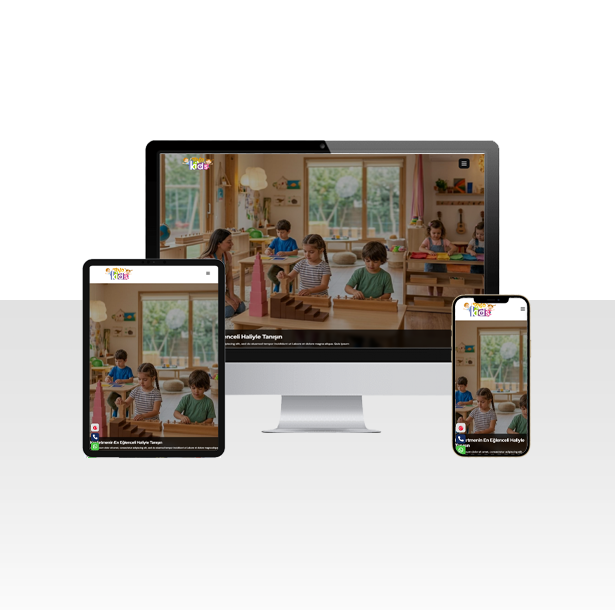
Vibrant and colorful design for children's play workshops, nurseries and education centres.
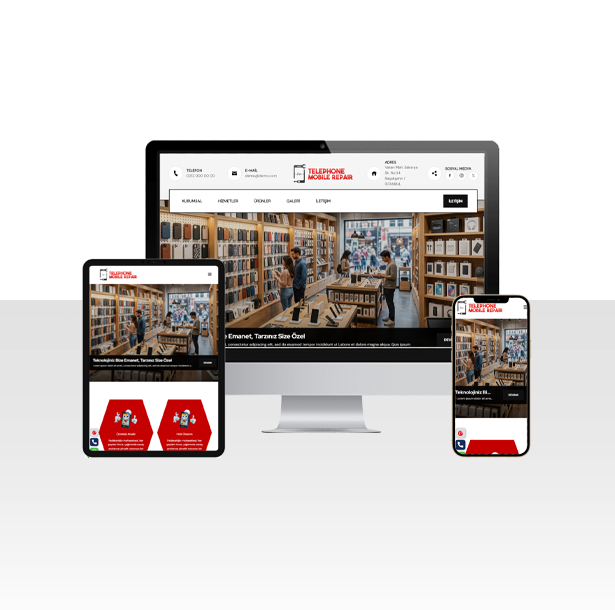
Modern website for businesses selling phone repair, technical service and accessories.
Select and preview the best professional design suitable for your industry.
Define your company, domain name, and AI brief details in the wizard.
Make the demo payment; the system automatically prepares files and the database.
Complete your DNS pointing to instantly launch your website to the world.
Thanks to CrmPlus Fabric, you can instantly set up and publish your professional website without requiring technical knowledge. Grow your business with time and cost advantage.
Reduce software development processes that take weeks down to minutes.
Content tailored to your company brief is prepared automatically with AI.
Manage your customers, operations, and setup records from a single dashboard.
Achieve non-stop performance with a fast and secure SQLite database.
"I reached new clients thanks to the website I built using the AI brief. The setup process was incredibly fast!"
"Going live with my own domain took only 5 minutes. The NS details on the DNS pending screen were very clear."
"Previewing ready themes and launching setups directly made our work incredibly easy."
Son yazılar ve duyurular
Google'da haritalarda varsınız ama web siteniz mi yok? CrmPlus Fabric ile ajans masraflarından kurtulun; profesyonel temanızı seçip sitenizi 5 daki...
Devamını Okuİşletmeniz için web sitesi açmak hiç bu kadar kolay olmamıştı. Sektörünüze uygun temayı seçin, domaininizi girin ve ödeme sonrası otomatik kuruluml...
Devamını OkuKodlama bilmeden, teknik detaylarla boğuşmadan işletmenizin web sitesini 5 dakikada kurun. Şirketlere özel hazır temalar ve otomatik kurulum altyap...
Devamını OkuCompany, industry and target details are saved into the installation record.
New or existing domain flows are managed in a separate wizard.
Secure online payment with integrated virtual POS.
Themes, customers and installations are stored as JSON.
The setup flow stores DNS status. If the domain is ready, the installed website opens; otherwise the user sees a waiting page with required NS details.
NS status is saved.
A follow-up note is created for pending DNS.
Website or info page opens automatically.